
Download Zip Opener – Fast, Free & Secure ZIP File Unzipping Tool for Windows, Mac, Android, iOS
Zip Opener is a sleek, user-friendly application developed by Canada-based Tiny Opener, designed to simplify the process of opening and extracting files from compressed archives. Whether you're dealing with ZIP, RAR, 7z, or other common formats, Zip Opener delivers a seamless experience with just one tap. This lightweight software is ideal for everyday users who want to avoid the complexity of traditional archiving tools like WinRAR or WinZIP.
With blazing-fast extraction speeds—often completing tasks in under a second for files under 100MB—Zip Opener earns its nickname as the "cheetah of zip file apps." Its intuitive drag-and-drop interface and minimal learning curve make it accessible for beginners and tech-savvy users alike. The app supports a wide range of archive types, ensuring compatibility across most file-sharing platforms. While it excels in speed and simplicity, users should be aware of certain limitations, such as occasional issues with files over 1GB and in-app purchase prompts for advanced features.
Despite these quirks, Zip Opener remains a top contender for anyone seeking a free, secure, and efficient way to manage compressed files across multiple devices.
Key Features of Zip Opener
Zip Opener stands out in the crowded field of file extraction tools thanks to its powerful yet simple feature set. The app is engineered for speed and ease of use, making it perfect for users who want to open archives without hassle. One of its most impressive features is the one-tap extraction system—simply drag your compressed file into the app window or tap to select it, and the contents are instantly extracted. This simplicity is ideal for people who aren’t familiar with technical software or don’t want to navigate complex menus.
Another standout feature is its broad format compatibility. Zip Opener supports not only standard ZIP files but also RAR, 7z, TAR, GZ, and other widely used archive types. This versatility means you won’t need multiple tools to handle different file types, reducing clutter and improving workflow efficiency. The app also integrates smoothly with your device’s file system, automatically saving extracted files to your Downloads folder unless otherwise specified.
For those concerned about security, Zip Opener does not include spyware, toolbars, or unwanted ads—something the developers emphasize in their marketing. While the app is free to download and use, it does include optional in-app purchases for advanced features like batch extraction, password-protected archive support, and enhanced file management. These upgrades are clearly labeled, but users should remain vigilant when prompted to install additional apps during setup, as some third-party software may be bundled. Overall, the feature list is robust, especially for a free tool, and the developers continue to update the app with new functionality based on user feedback.
Installation & Usage: How to Get Started with Zip Opener
Installing Zip Opener is straightforward and takes less than a minute across all supported platforms. For Windows and Mac users, visit the official Tiny Opener website and download the installer for your operating system. The file is small (under 10MB), and the setup wizard walks you through the process with clear, step-by-step instructions. No administrator rights are required for installation, making it ideal for shared or restricted workstations.
On Android, Zip Opener is available on the Google Play Store. Simply search for “Zip Opener” by Tiny Opener, tap “Install,” and the app will be ready to use. For iOS users, the app can be downloaded from the Apple App Store. Both mobile versions are optimized for touch, with intuitive gestures like long-press to select files and swipe-to-extract for quick access.
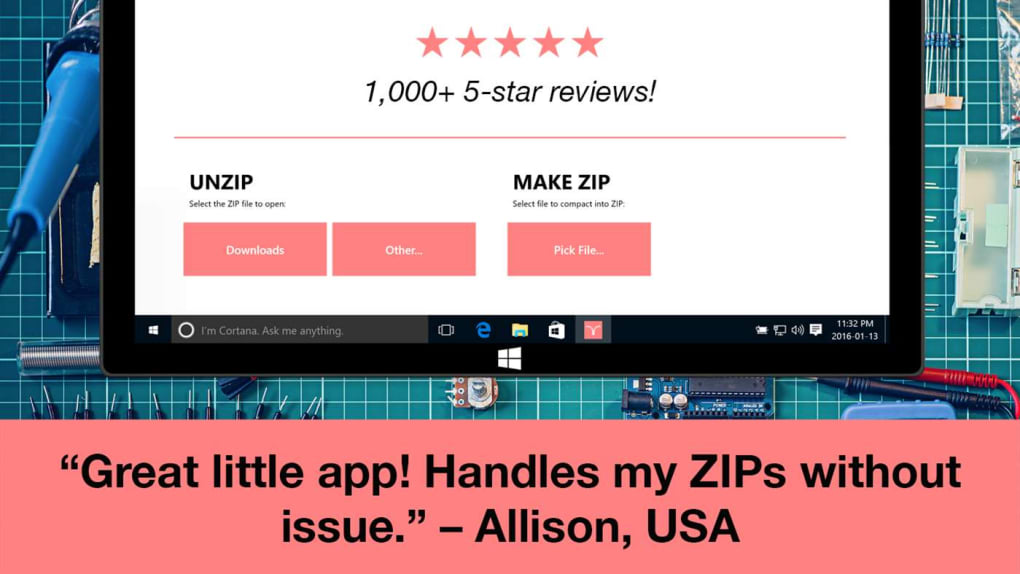
Once installed, launching the app opens a clean, minimalist interface. To extract a file, simply drag and drop the archive into the app window, or tap the “+” button to browse your device’s storage. The app instantly analyzes the file and begins extraction.
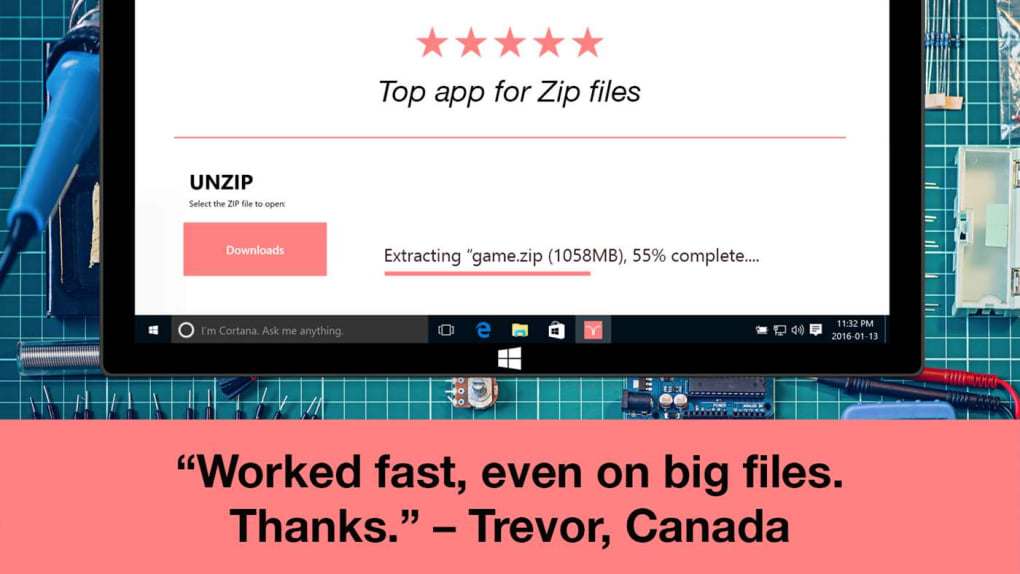
Progress is shown with a subtle animation, and completion is nearly instantaneous for smaller files. For larger archives, you may see a brief loading indicator. After extraction, files are saved to your default Downloads folder unless you choose a custom location.
The app also keeps a recent files history, so you can quickly access previously opened archives without retracing your steps.
Compatibility & Performance Across Devices
Zip Opener is designed with cross-platform compatibility in mind, supporting Windows 7 and later, macOS 10.12 or higher, Android 6.0+, and iOS 12+. This ensures that users can maintain a consistent experience whether they're working on a desktop, laptop, tablet, or smartphone. The app is lightweight, consuming minimal RAM and CPU resources, which means it runs smoothly even on older or lower-end devices.
Performance-wise, Zip Opener shines with small to medium-sized files. Archives under 100MB are typically extracted in less than a second, making it one of the fastest tools in its category. However, users may encounter issues when dealing with very large archives—files exceeding 1GB—where extraction sometimes fails or freezes. This limitation is not unique to Zip Opener but is worth noting for users handling large datasets or software installers.
Despite these occasional hiccups, the app’s overall stability is impressive. Regular updates are released to fix bugs and improve compatibility with new file formats. The developers are highly responsive, often replying to user reviews within hours. This level of customer service is rare among free software and adds significant value to the overall experience. Whether you're a student, professional, or casual user, Zip Opener delivers reliable performance across all major platforms.
Pros and Cons: Is Zip Opener Right for You?
- Pros:
- One-tap extraction for lightning-fast file access
- Supports multiple archive formats (ZIP, RAR, 7z, TAR, GZ, and more)
- Lightweight and low system resource usage
- Free to download and use with no ads or toolbars
- Excellent customer support with direct developer responses
- Available on Windows, Mac, Android, and iOS
- Cons:
- May fail to extract very large files (1GB+)
- In-app purchases lock certain advanced features
- Occasional prompts to install third-party apps during setup
- Some users report inconsistent behavior with password-protected archives
- Interface lacks advanced customization options
FAQ: Common Questions About Zip Opener
Is Zip Opener really free to use?
Yes, Zip Opener is completely free to download and use. It does not include ads, toolbars, or spyware. However, some advanced features like batch extraction and password recovery are locked behind in-app purchases.
Can Zip Opener open RAR and 7z files?
Absolutely. Zip Opener supports a wide range of archive formats, including ZIP, RAR, 7z, TAR, GZ, and more. This makes it a versatile alternative to heavier software like WinRAR or 7-Zip.
Why does Zip Opener ask me to install other apps?
During installation or file extraction, you may be prompted to install related apps. These are not part of Zip Opener itself but are offered by third parties. While not malicious, they can be intrusive. You can safely decline these prompts.
Does Zip Opener work on iOS and Android?
Yes, Zip Opener is available on both the Apple App Store and Google Play Store. The mobile versions are optimized for touch and offer the same one-tap extraction experience as the desktop versions.
What should I do if my large file won’t extract?
Try restarting the app or re-downloading the archive. If the issue persists, contact Tiny Opener’s support team directly via the app’s review section—they’re known for fast, helpful responses.
Final Verdict: Why You Should Try Zip Opener Today
Zip Opener is a standout choice for anyone who needs a fast, reliable, and free way to open compressed files. Its one-tap extraction, broad format support, and cross-platform availability make it a must-have tool for students, remote workers, and casual users alike. While it has minor drawbacks—like occasional issues with large files and in-app purchase prompts—the overall experience is overwhelmingly positive. The developers’ commitment to customer service and regular updates further solidify its reputation as a trustworthy tool.
If you're tired of complex software and want a clean, efficient way to unzip files, download Zip Opener today. It’s free, secure, and designed for real people—not nerds. Whether you're on Windows, Mac, Android, or iOS, this app delivers speed, simplicity, and peace of mind. Don’t wait—unzip your files the easy way!







